How 500 Small Businesses Simplified Bookkeeping with Our Receipt Templates

If you run a small business, you already know that bookkeeping can feel like a second job. Between chasing down paper receipts, manually entering transactions, and scrambling to get everything together for tax season, it's easy to fall behind. Over the past year, we tracked how 500 small businesses used our receipt templates to simplify their bookkeeping — and the results speak for themselves.
The Bookkeeping Problem Small Businesses Face
Small business owners wear many hats, and bookkeeping is rarely anyone's favorite. The most common pain points we heard were lost or faded receipts, hours spent on manual data entry, inconsistent record-keeping across locations or employees, and the annual dread of tax preparation. According to the SBA, poor financial record-keeping is one of the top reasons small businesses fail. The fix doesn't have to be complicated — it often starts with something as simple as a consistent receipt template.
Why Receipt Templates Change Everything
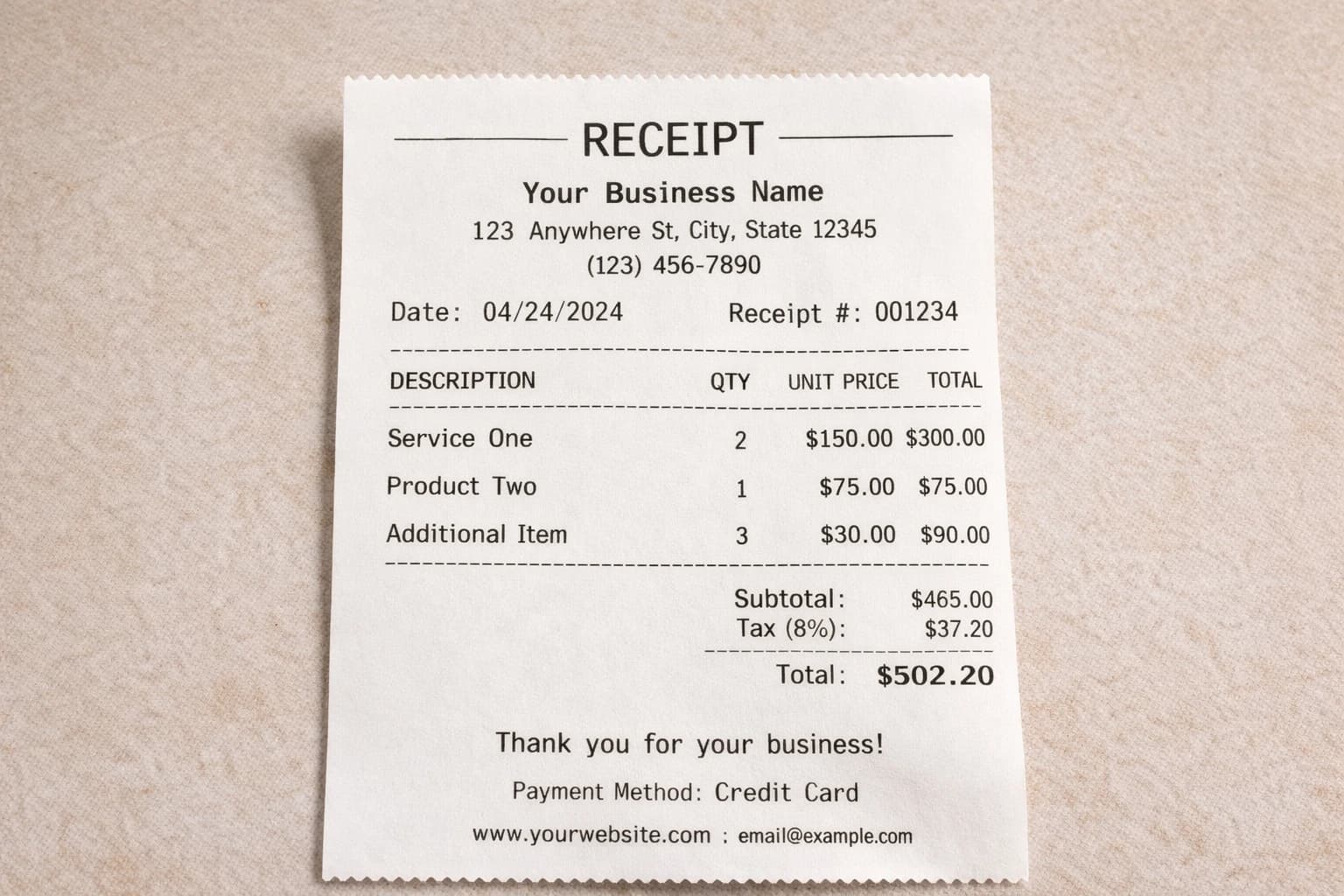
A receipt template gives every transaction a standard format. That means less guesswork, fewer mistakes, and records that are actually useful when you need them. Here's what businesses told us made the biggest difference:
- Consistency — every receipt follows the same layout, making them easy to file and review
- Speed — generating a receipt takes seconds instead of minutes
- Accuracy — auto-calculated totals and tax eliminate mental math errors
- Compliance — templates include all the fields needed for tax documentation
- Professionalism — branded receipts build trust with customers
Results at a Glance
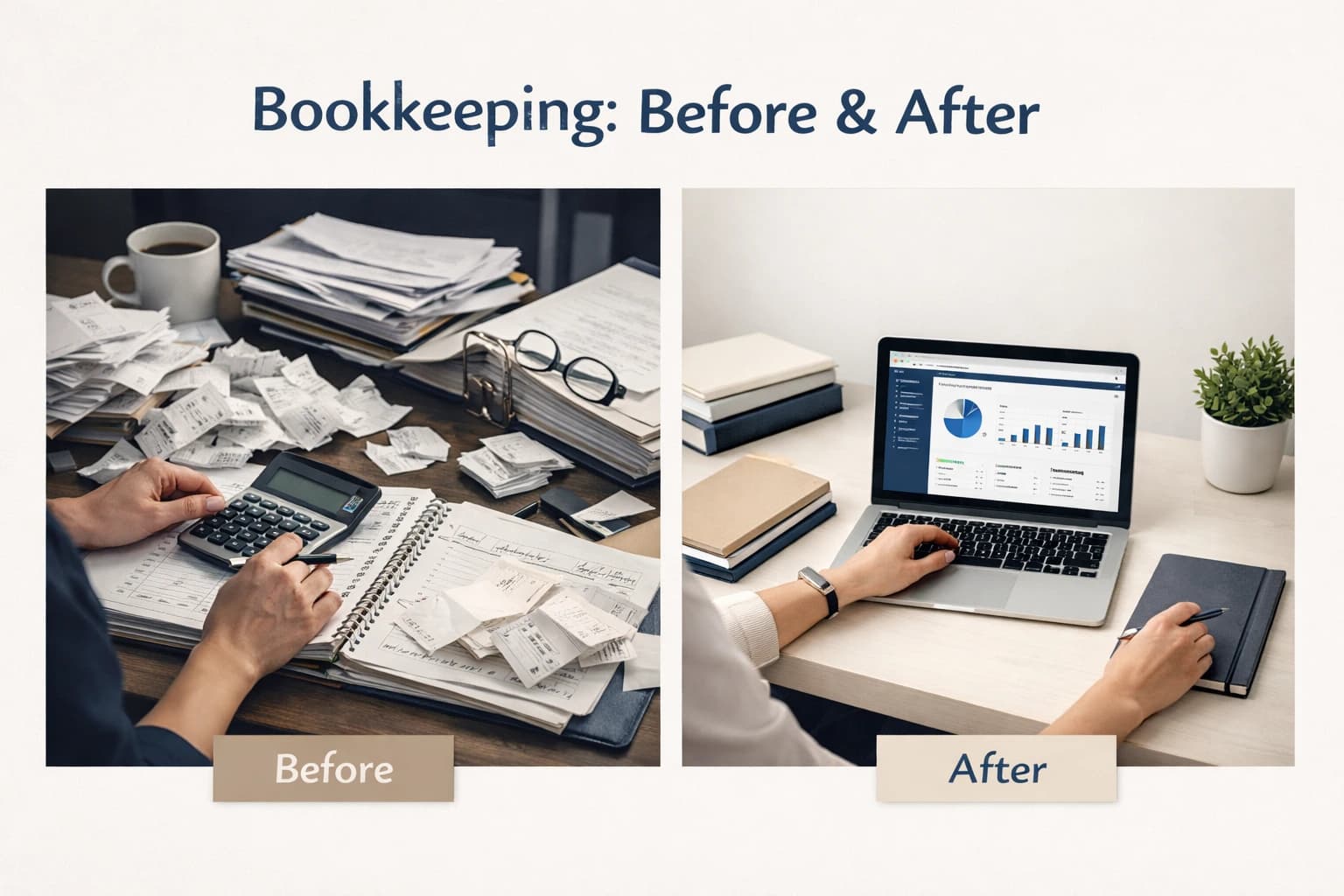
We surveyed the 500 businesses after six months of using receipt templates. Here's how their bookkeeping metrics changed:
| Metric | Before Templates | After Templates | Improvement |
|---|---|---|---|
| Time spent on receipt entry per week | 4.2 hours | 1.1 hours | 74% reduction |
| Data entry errors per month | 12 on average | 2 on average | 83% fewer errors |
| Missing receipts at tax time | 23% of transactions | 3% of transactions | 87% improvement |
| Tax preparation time | 22 hours | 8 hours | 64% faster |
| Customer disputes over charges | 6 per month | 1 per month | 83% reduction |
Top Industries That Benefited
While every business saw improvements, some industries benefited more than others. The table below shows the top sectors and how templates addressed their specific challenges:
| Industry | Common Challenge | Template Solution |
|---|---|---|
| Retail | High transaction volume with inconsistent receipts | Standardized retail receipt templates with auto-totals and tax |
| Restaurants & Food Service | Tips, split checks, and itemized orders | Itemized restaurant templates with tip lines and modifiers |
| Freelancers & Consultants | No formal receipt system at all | Simple service receipt with hourly/project totals |
| Auto Repair Shops | Parts and labor need separate line items | Multi-section templates with parts, labor, and warranty info |
| Grocery & Convenience | Large item counts and fast-moving inventory | Bulk-friendly grocery templates with category grouping |
| Salons & Personal Care | Multiple services per visit plus products | Service-based templates with product add-ons |
How to Get Started with Receipt Templates
Getting set up is straightforward. Here's the process most of the 500 businesses followed:
- 1. Go to the Receipt Generator and choose a template style that fits your business
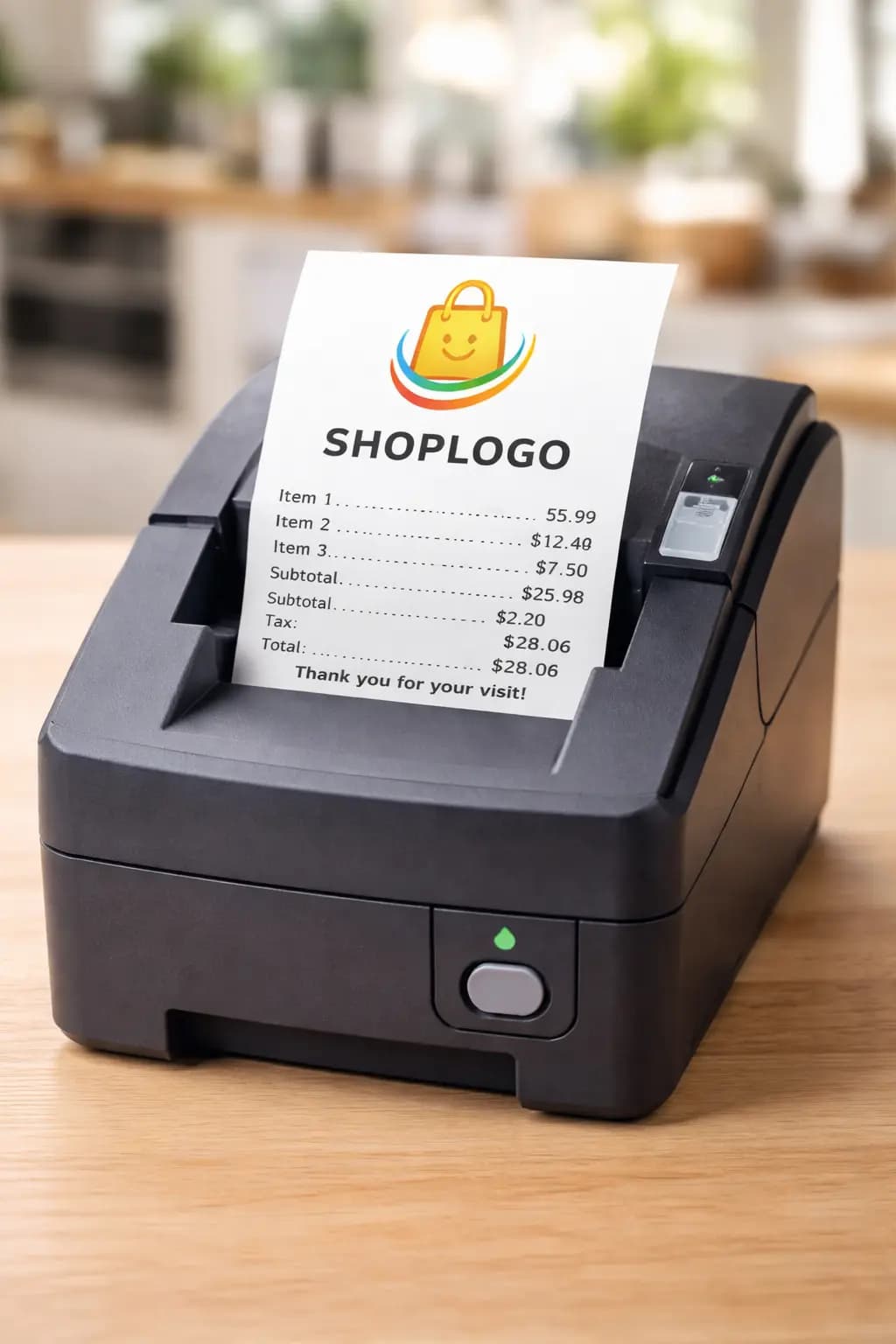
- 2. Add your business name, address, and logo (see our guide on adding logos to receipts)
- 3. Configure your tax rate and any default line items you use frequently
- 4. Generate a test receipt and review the layout
- 5. Export as PDF for printing or digital delivery
- 6. Save your template settings so every future receipt is consistent
Features That Made the Difference
When we asked businesses which features mattered most, the same answers came up repeatedly:
- Auto-calculated totals and tax — eliminates manual math and reduces errors
- PDF export — creates a permanent, shareable record of every transaction
- Custom branding — adds your logo, business name, and contact info for a professional look
- Itemized line items — makes it easy to track exactly what was sold
- Date and receipt number fields — critical for organized bookkeeping and audit trails
- Mobile-friendly interface — generate receipts from a phone or tablet on the go
Real-World Use Cases
A boutique clothing store in Austin was losing an average of 15 receipts per week before switching to digital templates. After adopting a standardized retail receipt format, their missing receipt rate dropped to nearly zero. The owner told us that tax prep went from a two-week ordeal to a single afternoon.
A family-owned restaurant in Chicago struggled with split checks and tip tracking. By using an itemized restaurant receipt template with built-in tip calculation, they cut end-of-day reconciliation time in half and virtually eliminated disputes with staff over tip amounts.
A freelance graphic designer in Portland had no receipt system at all — just email confirmations and PayPal notifications scattered across inboxes. After creating a simple service receipt template, she had a clean paper trail for every project, which saved her over $2,000 in missed deductions during her first tax season using the system.
Tips for Better Bookkeeping with Receipts
Based on what worked for the 500 businesses we studied, here are practical tips you can apply today:
- Use the same template for every transaction — consistency is the foundation of good bookkeeping
- Export and save PDF copies weekly, not just at tax time
- Include receipt numbers so you can cross-reference with bank statements
- Add your business logo to every receipt for professionalism and easy identification
- Set up a simple folder structure (by month or by client) for your saved receipts
- Review your receipts monthly to catch errors early instead of discovering them in April
- Use digital receipts whenever possible — they don't fade like thermal receipts
Ready to simplify your bookkeeping? Try our free receipt generator and create your first template in under a minute.
Five hundred businesses proved that better bookkeeping doesn't require expensive software or a dedicated accountant. It starts with a consistent, well-designed receipt. Whether you're running a retail shop, a restaurant, or a freelance practice, the right template turns every transaction into an organized record that's ready for tax season. Get started with our receipt templates or jump straight into the receipt generator.