Grocery Receipt Generator
A supermarket till receipt carrying a logo header, ten line items and a debit card block ending 9825, with a barcode at the foot. For household budgeting, shared-flat costs and reimbursement forms that need more than a card statement line.
- Logo header
- 10 line items
- Card payment
- Barcode
- PNG, JPG, PDF

80mm roll · 6 sections
What is on this receipt
The example loads into the editor exactly as shown. Every figure below is a starting point, not a fixed value.
- Merchant block
- Farm & Table Market — Riverton, NJ
- Dated
- 5/24/2025, 8:02:48 AM
- Line items
- 10 items — Plantains, Skim Milk (1 gallon), Sourdough Bread (loaf)
- Totals
- Subtotal $33.87 · Total $33.87
- Paid by
- Debit · **** **** **** 9825 · Chip · APPROVED
- Printed note
- This receipt serves as proof of purchase. Please retain it for returns or exchanges. Items can be returned or exchanged within 14 days with a valid receipt and original packaging. Perishable goods may be subject to different return policies. Refunds will be issued using the original payment method. Cash refunds are provided for cash purchases only. For questions or concerns, call (201) 456-7893 or visit farmandtablemarket.com.
- Currency
- $
6 sections, top to bottom
- Merchant block
- Barcode
- Date and time
- Line items and totals
- Payment block
- Printed note
Sections can be reordered, removed or added to — the Grocery Receipt is a starting arrangement, not a fixed form.
Every line on it is editable
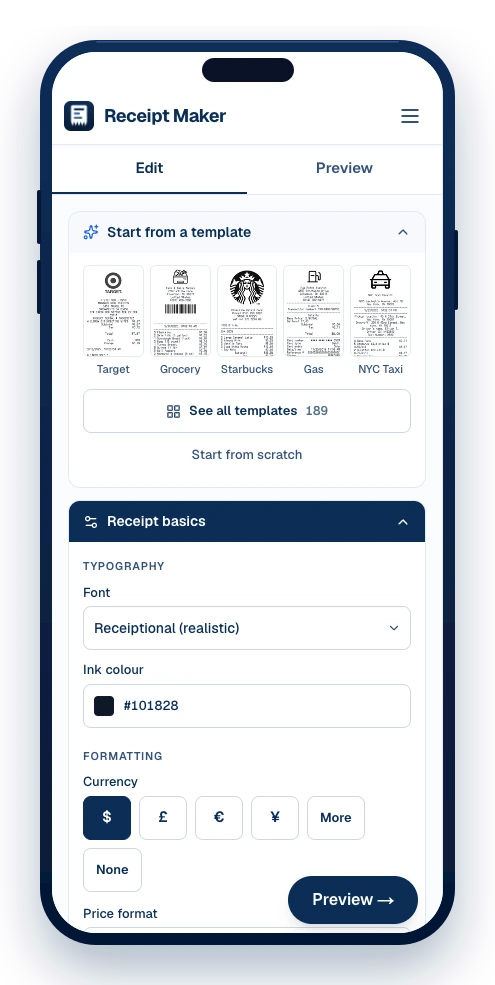
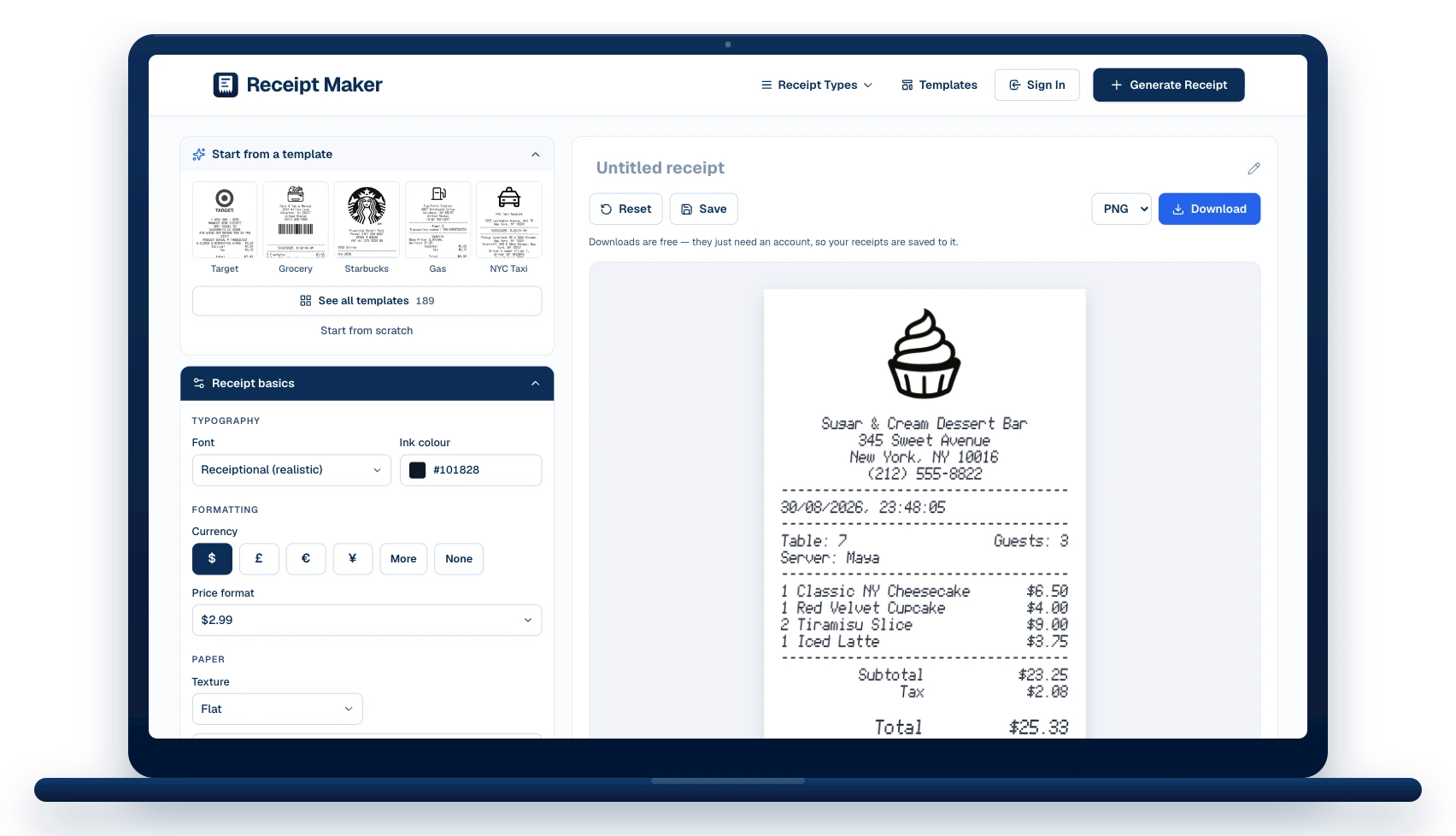
The template opens in the editor as a stack of sections. Change what you need, watch the receipt redraw beside you, then download it.
The merchant block
Replace “Farm & Table Market” with your own name, address and phone. The logo above it can be swapped, or dropped entirely.
Date and time
Stamped 5/24/2025, 8:02:48 AM in the example. Set any date and time, in the format the receipt prints.
10 line items
Edit the description, quantity and price on each, add more, or drag them into a different order.
Totals and tax
Add subtotal, tax, discount or service lines above the total — as many as the receipt needs.
How it was paid
Card scheme, last four digits, entry method and approval status — or switch it to cash with change.
Barcode and QR code
Set the value it encodes, pick the symbology, and size it the way a real till prints one.
How to make a supermarket till receipt
The template opens filled in. Change what you need and download it — no account until you do.
Pick a template or start blank
Choose from 189 templates by shop type, or open a blank slip. The template loads straight into the editor with every line already filled in as an example.
Edit the details
Change the business name and address, the date and time, the line items and prices, the tax and total, and the card or cash details. Add or remove sections and drag them into the order you want.
Download it
Export as PNG, JPG or PDF. Downloads are watermark-free and print at true thermal-roll size.
When a supermarket till receipt is worth having
Expense claims
Groceries bought for an office, a shoot or a site crew, itemised the way finance expects.
Shared household costs
Show flatmates or family exactly what the weekly shop came to, line by line.
Replacing a faded slip
Thermal ink fades in months. Rebuild the receipt from your bank line and the items you remember.
Teaching and testing
A realistic slip for POS training, scanner testing or a checkout demo.
Grocery Receipt: questions
What people ask before making a supermarket till receipt — and the answers that apply to this template.
Why are the item names abbreviated?
A grocery terminal prints about 32 characters per line, so descriptions get cut to fit — "ORG WHL MLK 2L" rather than "Organic Whole Milk 2L". Keeping that habit is what makes a grocery receipt look right.
Can I show tax-exempt food lines?
Yes. Add the tax line you need under the items and mark individual lines however your local receipts do — many US stores print an F or T flag beside each item.
Is it free to use this template?
Yes. Editing and previewing are free and need no account, and downloads are free too — they just ask you to make an account so your receipts are saved and can be edited later.
Which formats can I download?
PNG, JPG and PDF. PNG is the sharpest for screens, PDF is the one to attach to an expense claim, and JPG is the smallest to send in a message.
Can I change every field?
Every line. The template loads into the editor as a stack of sections — header, date, items, payment, notes — and each one can be edited, reordered, added or removed.
Other grocery supermarkets templates
Browse all templates





Still have questions?
Can't find the answer you're looking for? Send us a message and a person will read it.
Get in touchMake your own Grocery Receipt
It opens in the editor filled in as shown. Change what you need, watch the receipt redraw beside you, and download it.
- Every line is editable — merchant, items, prices, tax, totals
- Add your own logo, or keep the one on the template
- Download as PNG, JPG or PDF, at true thermal-roll size
Free · No watermark · No signup to build