PMC Parking Receipt Generator
A parking receipt carrying a printed merchant block, two line items, a separate tax line and a card payment block. Useful when a barrier receipt fades before the expense form is filled in.
- 2 line items
- Tax line
- Card payment
- PNG, JPG, PDF

80mm roll · 7 sections
What is on this receipt
The example loads into the editor exactly as shown. Every figure below is a starting point, not a fixed value.
- Merchant block
- PMC Parking
- Dated
- 12/14/2024, 2:50 PM
- Line items
- 2 items — Parking Fee, Service Tax
- Totals
- Total Parking: $5.89 · Sales Tax: $0.43 · Total Paid: $6.32 · Total Due: $6.32
- Paid by
- **** **** **** XXXX
- Printed note
- License Plate Number: XXXXXXX
- Currency
- $
7 sections, top to bottom
- Merchant block
- Date and time
- Printed note
- Line items and totals
- Printed note
- Payment block
- Printed note
Sections can be reordered, removed or added to — the PMC Parking Receipt is a starting arrangement, not a fixed form.
Every line on it is editable
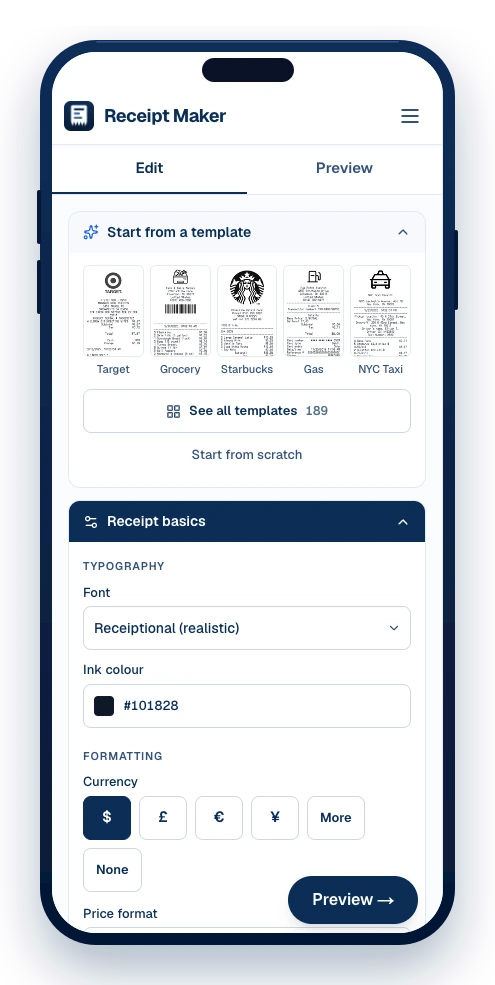
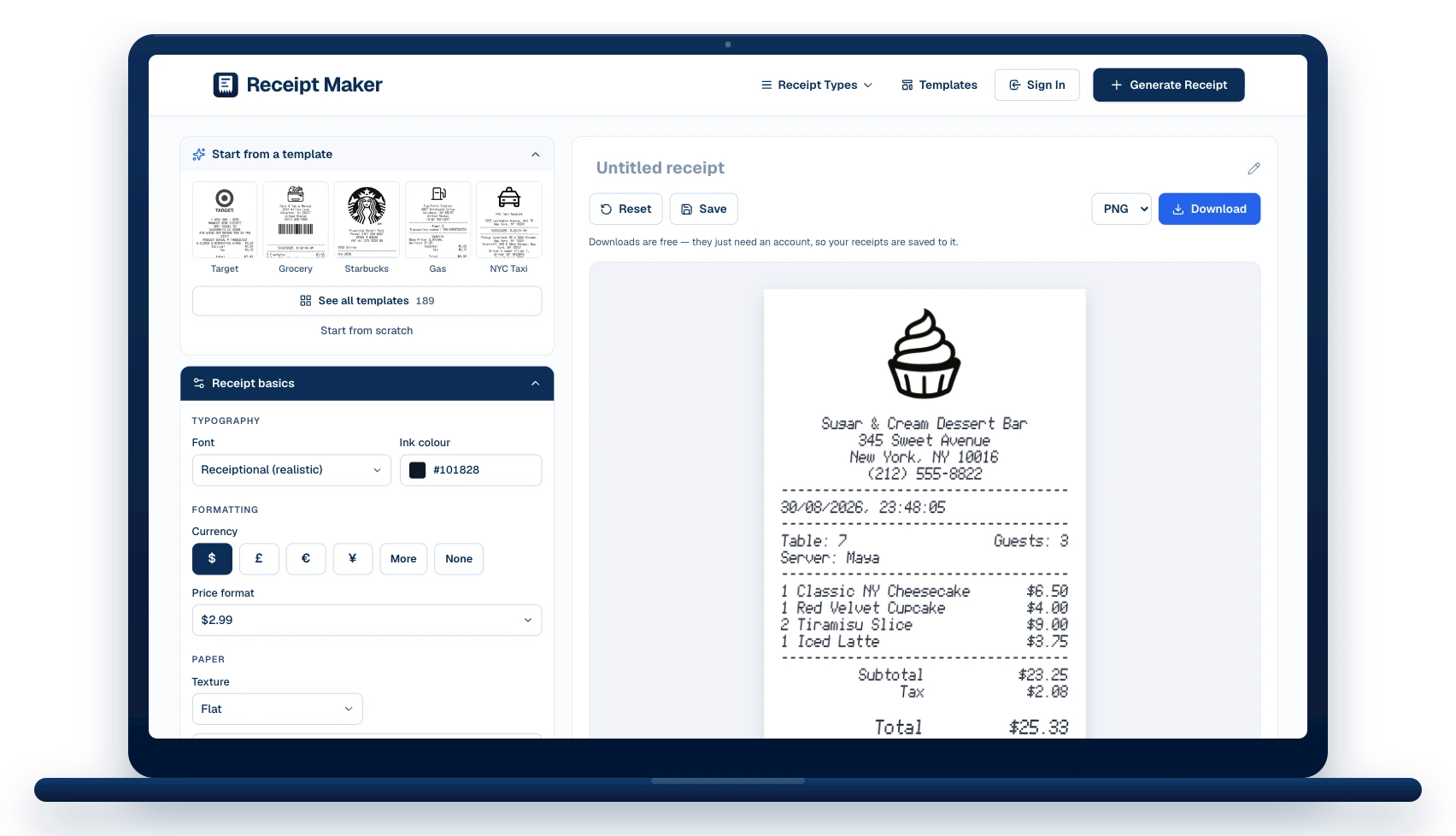
The template opens in the editor as a stack of sections. Change what you need, watch the receipt redraw beside you, then download it.
The merchant block
Replace “PMC Parking” with your own name, address and phone.
Date and time
Stamped 12/14/2024, 2:50 PM in the example. Set any date and time, in the format the receipt prints.
2 line items
Edit the description, quantity and price on each, add more, or drag them into a different order.
Totals and tax
The example carries a sales tax: line. Change the rate, add more lines, or remove them.
How it was paid
Card scheme, last four digits, entry method and approval status — or switch it to cash with change.
Footer and codes
Add a barcode or QR code under the footer note, sized to real receipt proportions.
How to make a parking receipt
The template opens filled in. Change what you need and download it — no account until you do.
Pick a template or start blank
Choose from 189 templates by shop type, or open a blank slip. The template loads straight into the editor with every line already filled in as an example.
Edit the details
Change the business name and address, the date and time, the line items and prices, the tax and total, and the card or cash details. Add or remove sections and drag them into the order you want.
Download it
Export as PNG, JPG or PDF. Downloads are watermark-free and print at true thermal-roll size.
When a parking receipt is worth having
Mileage and travel claims
Parking and repairs on a work trip, with the date, place and amount all on one slip.
Vehicle service history
Keep a paper trail of what was done and when — it holds resale value.
Fleet and company cars
Evidence for a fleet manager that a charge belongs to a particular vehicle.
Warranty on parts and labour
Parts warranties are dated from the receipt, so the line items have to be legible.
PMC Parking Receipt: questions
What people ask before making a parking receipt — and the answers that apply to this template.
What vehicle details usually print?
Registration or plate, make and model, mileage in, and often the VIN. Garages print them above the work so the job cannot be confused with another car.
How does a parking receipt differ?
A car park prints entry and exit times, the bay or ticket number and the tariff band rather than line items — all of which fit in the two-column block.
Is it free to use this template?
Yes. Editing and previewing are free and need no account, and downloads are free too — they just ask you to make an account so your receipts are saved and can be edited later.
Which formats can I download?
PNG, JPG and PDF. PNG is the sharpest for screens, PDF is the one to attach to an expense claim, and JPG is the smallest to send in a message.
Can I change every field?
Every line. The template loads into the editor as a stack of sections — header, date, items, payment, notes — and each one can be edited, reordered, added or removed.





Still have questions?
Can't find the answer you're looking for? Send us a message and a person will read it.
Get in touchMake your own PMC Parking Receipt
It opens in the editor filled in as shown. Change what you need, watch the receipt redraw beside you, and download it.
- Every line is editable — merchant, items, prices, tax, totals
- Add your own logo, or keep the one on the template
- Download as PNG, JPG or PDF, at true thermal-roll size
Free · No watermark · No signup to build