Zomato Receipt Generator
A restaurant bill, printed with a logo header, Item and Total Price in the two-column block, three line items, a separate tax line and a debit card block ending 4558. Handy for splitting a table, or rebuilding a bill that never made it home.
- Logo header
- 3 line items
- Tax line
- Card payment
- PNG, JPG, PDF

80mm roll · 5 sections
What is on this receipt
The example loads into the editor exactly as shown. Every figure below is a starting point, not a fixed value.
- Merchant block
- Zomato — San Diego, CA
- Details block
- Item · Total Price
- Line items
- 3 items — Sausage Pizza, Caesar Salad, Iced Mocha
- Totals
- Delivery Charge $50.30 · Taxes $4.22 · TOTAL $104.82
- Paid by
- Debit · **** **** **** 4558 · Chip · APPROVED
- Printed note
- Communication Address:
- Currency
- $
5 sections, top to bottom
- Merchant block
- Two-column details
- Line items and totals
- Payment block
- Printed note
Sections can be reordered, removed or added to — the Zomato Receipt is a starting arrangement, not a fixed form.
Every line on it is editable
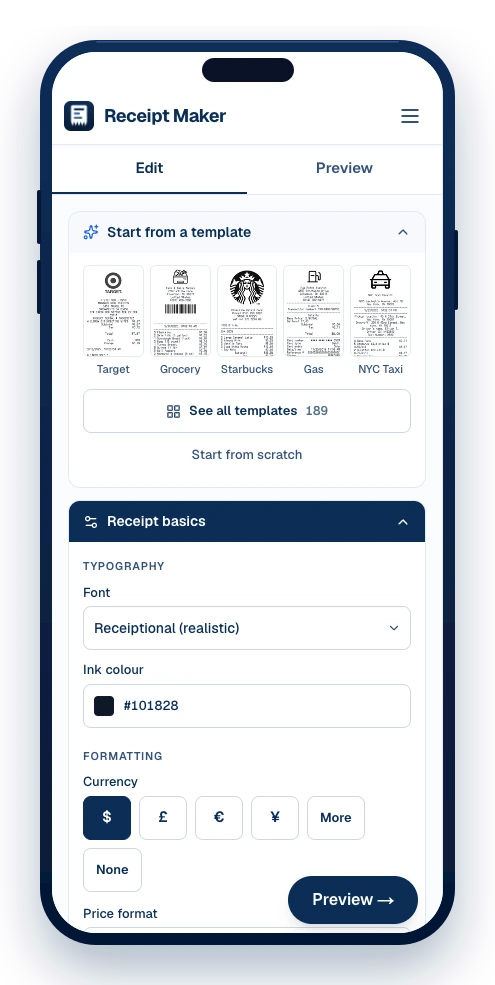
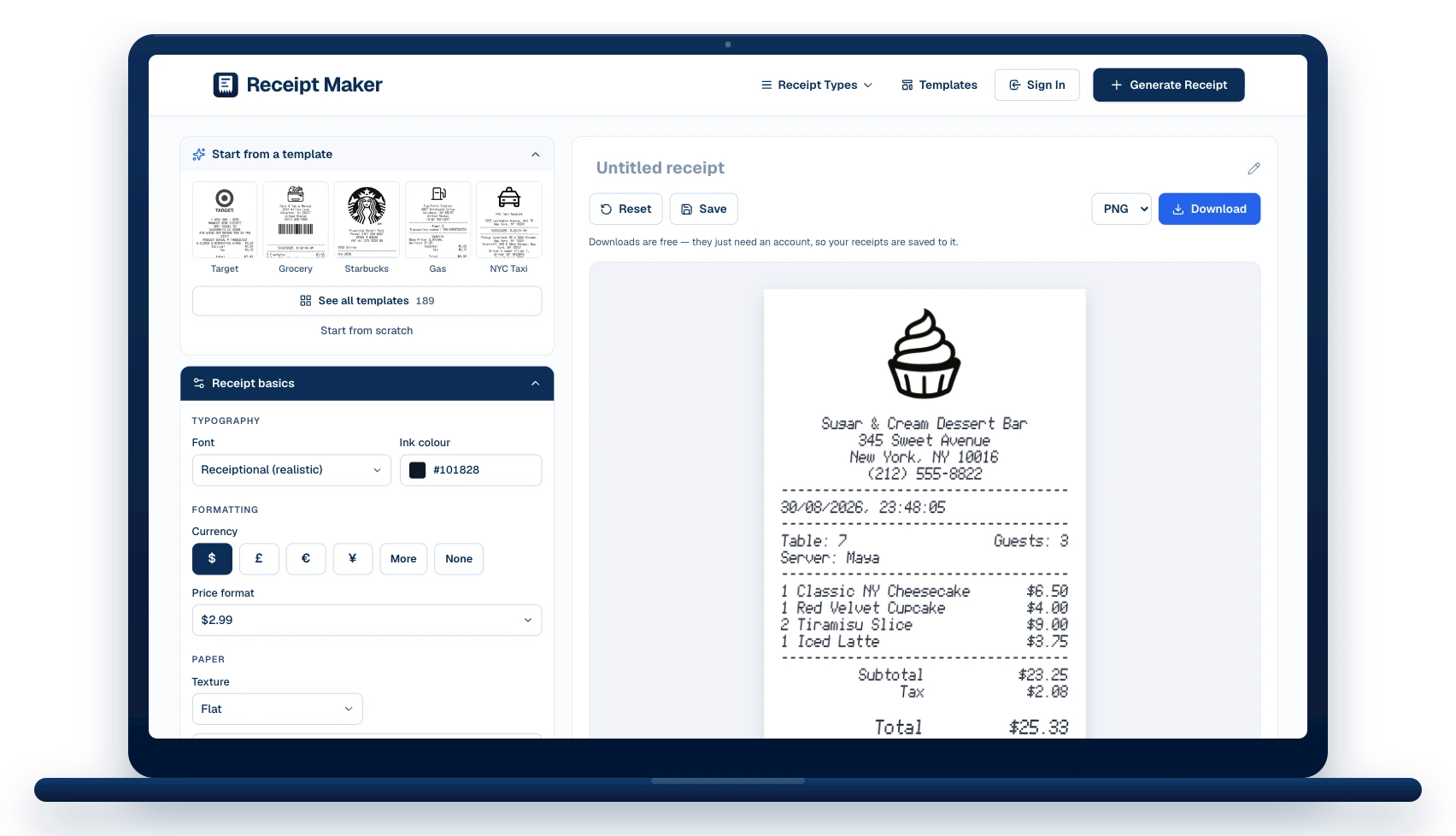
The template opens in the editor as a stack of sections. Change what you need, watch the receipt redraw beside you, then download it.
The merchant block
Replace “Zomato” with your own name, address and phone. The logo above it can be swapped, or dropped entirely.
Date and time
Add a date and time stamp anywhere in the stack.
3 line items
Edit the description, quantity and price on each, add more, or drag them into a different order.
Totals and tax
The example carries a taxes line. Change the rate, add more lines, or remove them.
How it was paid
Card scheme, last four digits, entry method and approval status — or switch it to cash with change.
Footer and codes
Add a barcode or QR code under the footer note, sized to real receipt proportions.
How to make a restaurant bill
The template opens filled in. Change what you need and download it — no account until you do.
Pick a template or start blank
Choose from 189 templates by shop type, or open a blank slip. The template loads straight into the editor with every line already filled in as an example.
Edit the details
Change the business name and address, the date and time, the line items and prices, the tax and total, and the card or cash details. Add or remove sections and drag them into the order you want.
Download it
Export as PNG, JPG or PDF. Downloads are watermark-free and print at true thermal-roll size.
When a restaurant bill is worth having
Meal expenses
Client lunches and per-diem claims, with tax and tip broken out the way an expense policy asks for.
Splitting a bill
Show a table exactly what each course cost before working out who owes what.
Menu and pricing mock-ups
Try a price list on a printed bill before it reaches a real terminal.
Replacing a lost bill
Rebuild the evening from the card statement line when the paper copy never made it home.
Zomato Receipt: questions
What people ask before making a restaurant bill — and the answers that apply to this template.
Should the tip be part of the total?
On a card receipt the tip usually sits below the total on its own line, with a blank line for the customer to write in. On a closed cash bill it is added into the total. Both are possible here.
What goes in the two-column block?
Table number, server name, covers and order number — the details a restaurant uses to find the ticket again.
Is it free to use this template?
Yes. Editing and previewing are free and need no account, and downloads are free too — they just ask you to make an account so your receipts are saved and can be edited later.
Which formats can I download?
PNG, JPG and PDF. PNG is the sharpest for screens, PDF is the one to attach to an expense claim, and JPG is the smallest to send in a message.
Can I change every field?
Every line. The template loads into the editor as a stack of sections — header, date, items, payment, notes — and each one can be edited, reordered, added or removed.





Still have questions?
Can't find the answer you're looking for? Send us a message and a person will read it.
Get in touchMake your own Zomato Receipt
It opens in the editor filled in as shown. Change what you need, watch the receipt redraw beside you, and download it.
- Every line is editable — merchant, items, prices, tax, totals
- Add your own logo, or keep the one on the template
- Download as PNG, JPG or PDF, at true thermal-roll size
Free · No watermark · No signup to build