Cash Register Receipt Generator
A point-of-sale receipt, printed with a logo header, three line items, an 8.81% tax line and cash tendered with change, with a barcode at the foot. Useful for mock-ups, print tests and filling a gap in the books.
- Logo header
- 3 line items
- 8.81% tax line
- Cash and change
- Barcode
- PNG, JPG, PDF

80mm roll · 8 sections
What is on this receipt
The example loads into the editor exactly as shown. Every figure below is a starting point, not a fixed value.
- Merchant block
- Willow & Stone — Denver, CO
- Dated
- 9/30/2025, 2:08:57 PM
- Line items
- 3 items — Handcrafted Ceramic Vase, Scented Beeswax Candles, Linen Table Cover
- Totals
- Subtotal $143.66 · Tax (8.81%) $12.66 · TOTAL $156.32
- Paid by
- Cash, with $3.68 change
- Printed note
- Cash Register Receipt
- Currency
- $
8 sections, top to bottom
- Merchant block
- Printed note
- Line items and totals
- Payment block
- Printed note
- Barcode
- Date and time
- Printed note
Sections can be reordered, removed or added to — the Cash Register Receipt is a starting arrangement, not a fixed form.
Every line on it is editable
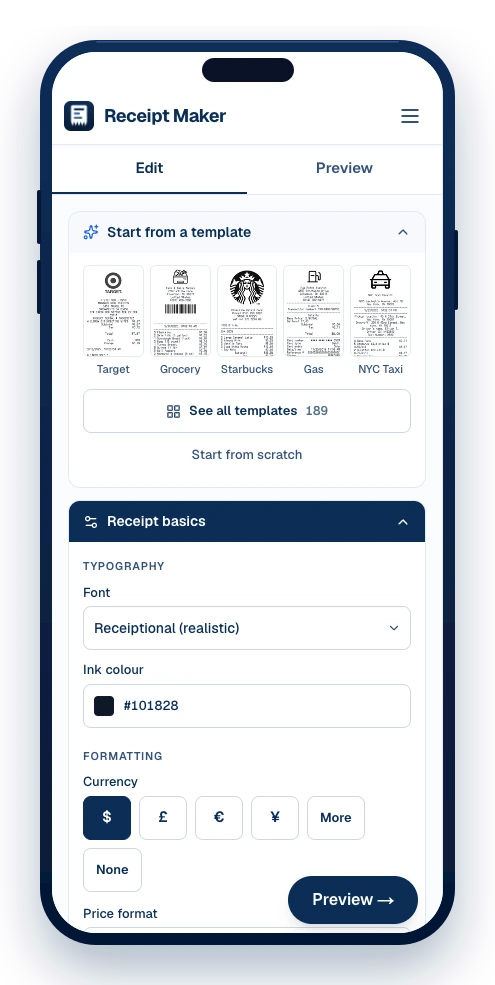
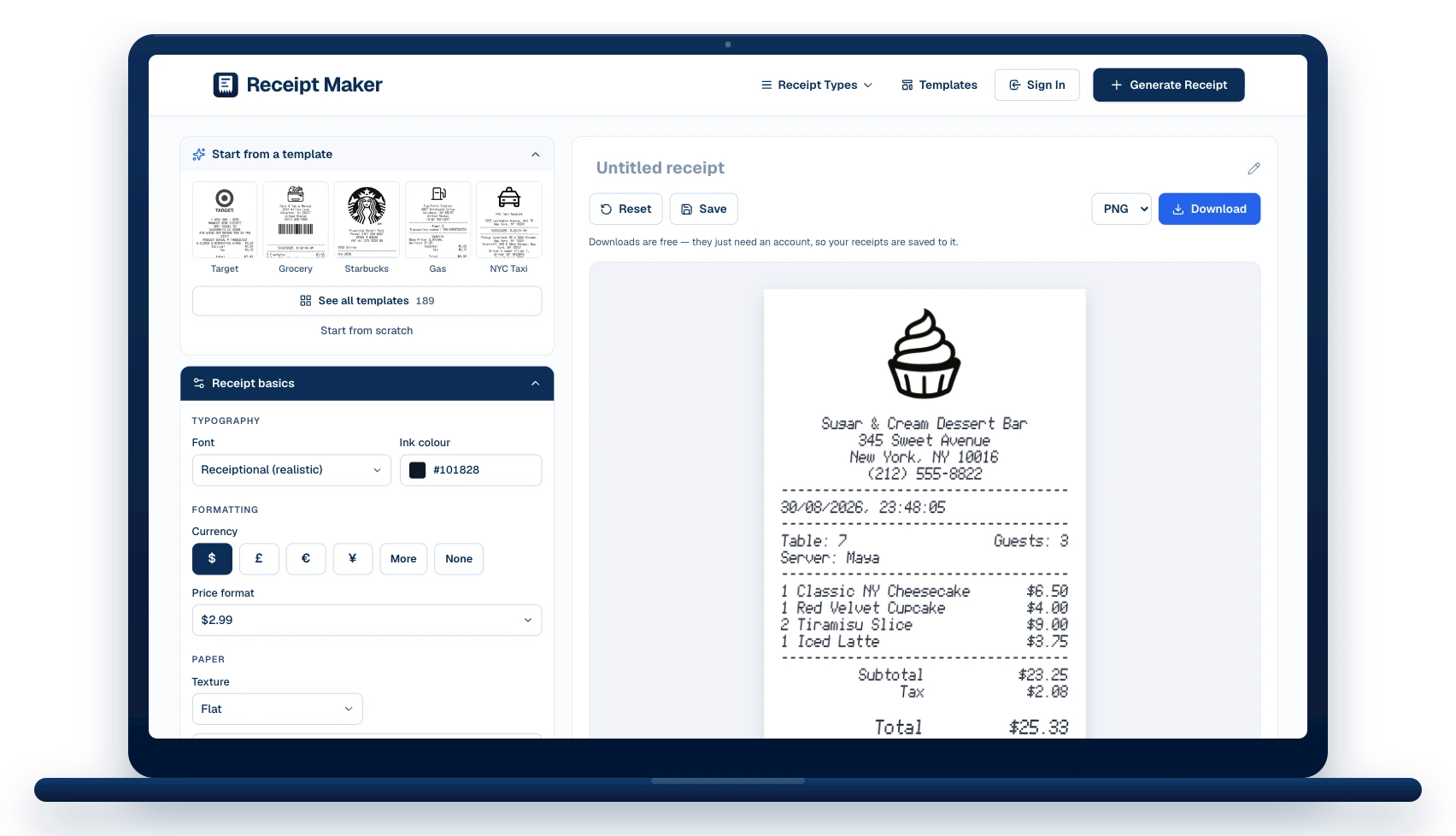
The template opens in the editor as a stack of sections. Change what you need, watch the receipt redraw beside you, then download it.
The merchant block
Replace “Willow & Stone” with your own name, address and phone. The logo above it can be swapped, or dropped entirely.
Date and time
Stamped 9/30/2025, 2:08:57 PM in the example. Set any date and time, in the format the receipt prints.
3 line items
Edit the description, quantity and price on each, add more, or drag them into a different order.
Totals and tax
The example carries a tax (8.81%) line. Change the rate, add more lines, or remove them.
How it was paid
Cash tendered and change, or switch the block to a card and set the scheme, last four and entry method.
Barcode and QR code
Set the value it encodes, pick the symbology, and size it the way a real till prints one.
How to make a point-of-sale receipt
The template opens filled in. Change what you need and download it — no account until you do.
Pick a template or start blank
Choose from 189 templates by shop type, or open a blank slip. The template loads straight into the editor with every line already filled in as an example.
Edit the details
Change the business name and address, the date and time, the line items and prices, the tax and total, and the card or cash details. Add or remove sections and drag them into the order you want.
Download it
Export as PNG, JPG or PDF. Downloads are watermark-free and print at true thermal-roll size.
When a point-of-sale receipt is worth having
Small business sales
Hand a customer a printed record without buying a terminal to do it.
Market and pop-up stalls
Cash sales that still need a receipt at the end of them.
Bookkeeping gaps
Reconstruct a sale that was recorded in the ledger but never printed.
Design and testing
A neutral slip for mock-ups, print tests and software screenshots.
Cash Register Receipt: questions
What people ask before making a point-of-sale receipt — and the answers that apply to this template.
Can I put my own logo on it?
Yes. Upload one in the header section; it prints above the business details, and can be forced to black and white so it looks thermal-printed.
Does it work on a real thermal printer?
The receipt is rendered at 384px for an 80mm roll, so it prints at the right width. Download the PNG and send it to the printer as an image.
Is it free to use this template?
Yes. Editing and previewing are free and need no account, and downloads are free too — they just ask you to make an account so your receipts are saved and can be edited later.
Which formats can I download?
PNG, JPG and PDF. PNG is the sharpest for screens, PDF is the one to attach to an expense claim, and JPG is the smallest to send in a message.
Can I change every field?
Every line. The template loads into the editor as a stack of sections — header, date, items, payment, notes — and each one can be edited, reordered, added or removed.





Still have questions?
Can't find the answer you're looking for? Send us a message and a person will read it.
Get in touchMake your own Cash Register Receipt
It opens in the editor filled in as shown. Change what you need, watch the receipt redraw beside you, and download it.
- Every line is editable — merchant, items, prices, tax, totals
- Add your own logo, or keep the one on the template
- Download as PNG, JPG or PDF, at true thermal-roll size
Free · No watermark · No signup to build