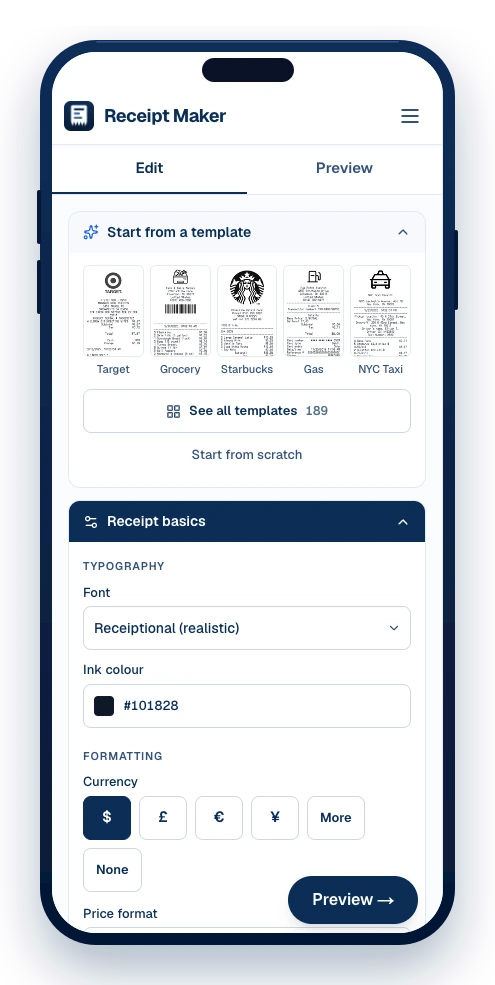
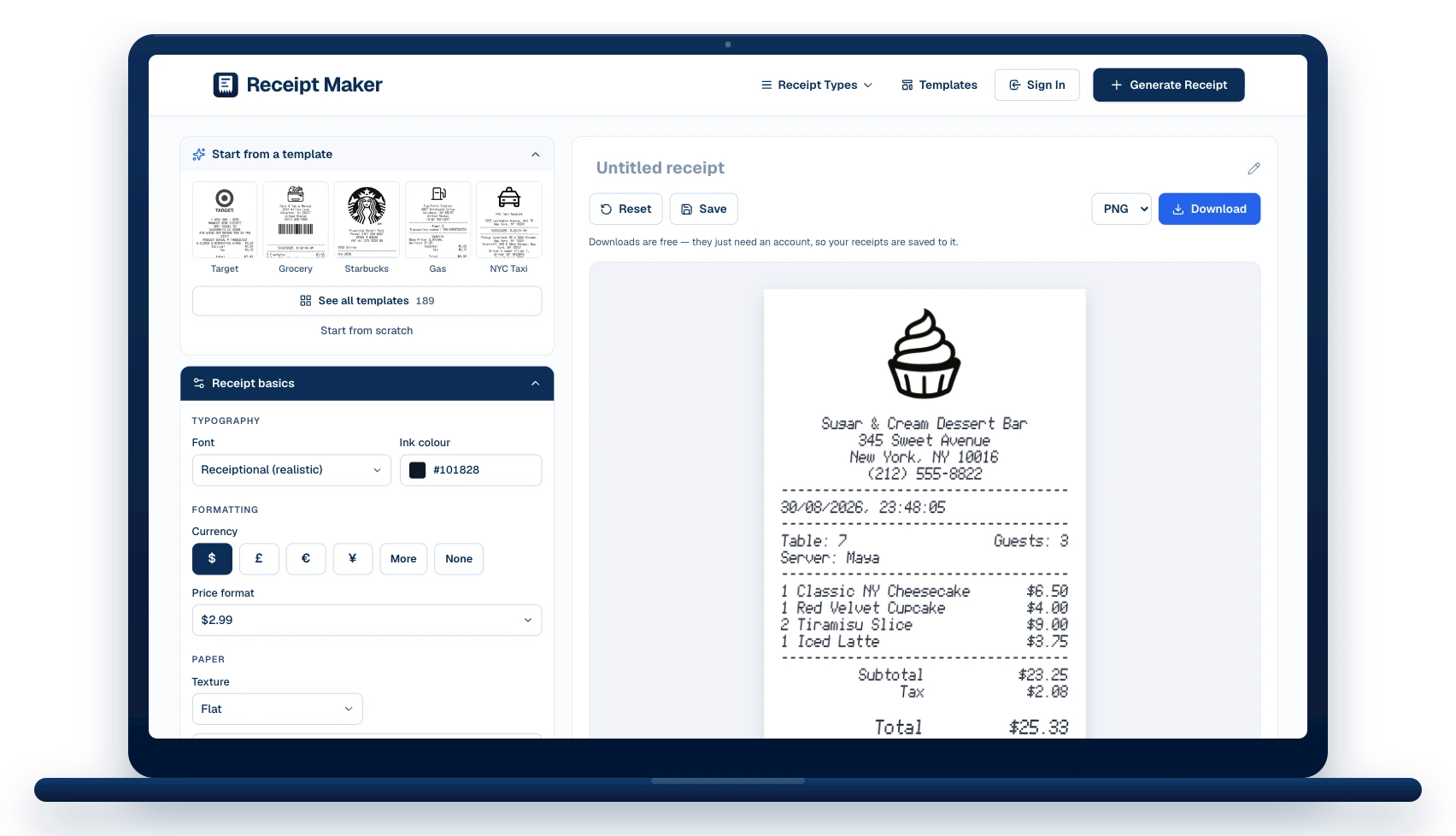
Free receipt maker,
no watermark
Make a clean, itemised receipt for your business, rental or expense records. Pick one of 187 templates and change every line on it.
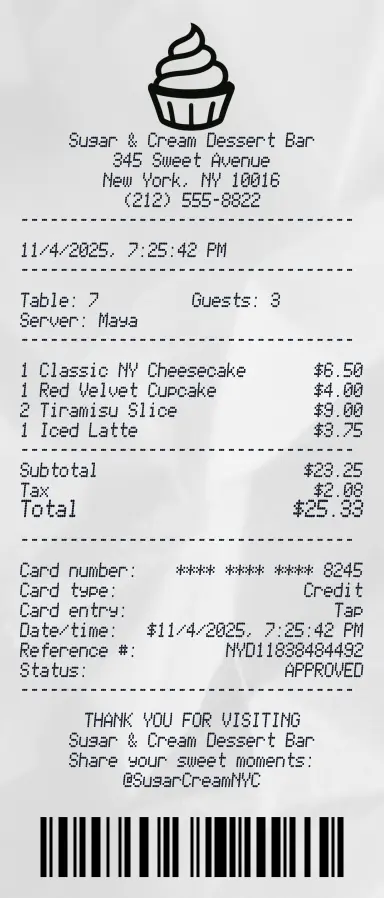
- Add your custom logo
- Edit line items and totals
- Choose payment method
- Add or remove receipt elements
- Customize business information
- Pick fonts and styling
- Add barcodes and QR codes


Choose a receipt template
Those are the shops. These are the shapes — start from the one closest to yours, see what is on it, then change every line.


How to make a receipt in under a minute
Three steps, no software to install.
Pick a template or start blank
Browse the templates by shop type, or open a blank slip. The template loads straight into the editor with every line already filled in as an example.
Edit the details
Change the business name and address, the date and time, the line items and prices, the tax and total, and the card or cash details. Add or remove sections and drag them into the order you want.
Download it
Export as PNG, JPG or PDF. Downloads are watermark-free and print at true thermal-roll size.
Your receipt looks right, because our tool is built right
Many online receipt generators produce pretty placeholders, which anyone can clock in a beat. Ours are built per trade — a taxi slip breaks the fare down, a hotel folio carries the nightly rate and occupancy tax — and the totals on every template add up, line by line.
No sign-up to start
Open the editor, pick a template and change every line without an account. You only need a free one when you download or save.
No watermark, ever
Every download comes out clean in PNG, JPG or PDF. There is no paid tier that removes a watermark here, because there is no watermark.
Natural spacing, fonts, and structure
Clear thermal-style layout — the line heights, margins and monospaced typography a point-of-sale printer actually uses.
Accurate thermal receipt format
Standard 80mm and 58mm rolls at 48 and 32 characters per line — the same wrapping a real till produces.
Fully editable branding
Add logos, store names, addresses, and custom headers to match any business.
Flexible itemization, totals, and payment details
Add line items, taxes, discounts, tips, and payment methods as needed.
Full barcode customization
Add a working barcode or QR code carrying your own reference number or order ID.
Multi-currency support
Thirteen currency symbols to pick from, or type any other — it carries through the items, the totals and the payment block.
The best free receipt maker on the market
Most are free right up until you download. Ours is free at the download too — that is the whole difference.
Watermark on downloads
Typical free receipt maker: Yes, until you pay
Receipt Maker: None, on any plan
Templates
Typical free receipt maker: A handful
Receipt Maker: 187 across 12 categories
Preview
Typical free receipt maker: Refresh to see changes
Receipt Maker: Redraws as you type
Receipt fonts
Typical free receipt maker: One monospace stand-in
Receipt Maker: 8 thermal typefaces
Export formats
Typical free receipt maker: PNG only
Receipt Maker: PNG, JPG and print-ready PDF
Paper realism
Typical free receipt maker: Flat white rectangle
Receipt Maker: Thermal texture, any ink colour
Edit it later
Typical free receipt maker: Paid tier, if at all
Receipt Maker: Free account
Free to build, not free to keep — the watermark comes off when you subscribe.
Receipt maker questions, answered
The dozen things people ask before they start — including the two about legality that most of these tools skate past.
Is Receipt Maker free?
Yes, and unlimited. A free account is needed to download or save, which is also what lets you reopen a receipt and edit it later.
Do the receipts have a watermark?
No. Every download comes out clean in PNG, JPG or PDF. There is no paid tier that removes a watermark, because there is no watermark.
Do I need an account to make a receipt?
Not to make one. Pick a template and edit every line with no signup. You only need a free account when you download or save.
Is it legal to use a receipt generator?
Making a receipt is legal; using one to deceive someone is not. Reprinting a slip you lost, issuing one for a sale you made, or mocking one up for a design are ordinary uses. Passing off a receipt for a purchase that never happened is fraud, and this tool is not for that.
What file formats can I download?
PNG, JPG and print-ready PDF, all from the same render.
Can I add my own logo?
Yes — upload a PNG, JPG, SVG, GIF or WEBP up to 5 MB, or pick a built-in icon. One switch prints it in black and white, the way a thermal printer would.
How many receipt templates are there?
187, covering groceries, restaurants, fuel, taxis, hotels, pharmacies, parking, rent, shipping, hire, retail and general business — plus a blank slip.
Is my receipt data stored?
Only if you press Save, in which case it sits in your account for you to edit or delete. Otherwise it is drawn, returned as an image, and gone.
Will it print correctly on thermal paper?
Yes. Receipts are drawn 384 px wide — 80 mm at 120 dpi, standard till-roll width. Print the PDF at 100% rather than "fit to page" for true size.



Still have questions?
Can't find the answer you're looking for? Send us a message and a person will read it.
Get in touchWhat it costs, itemised
Every part of the generator, priced. Add it up.
Receipt Maker
receiptsmaker.com
- 1Receipt from 187 templates$0.00
- 1Your logo, your line items$0.00
- 1PNG, JPG and PDF export$0.00
- ∞Reprints, whenever$0.00
No card · No trial · No watermark