Receipt Maker Review: What Our Free Receipt Generator Actually Does

Let us start with the disclosure, because everything below depends on it: we built Receipt Maker. This is not an independent review and you should not read it as one. It is a first-party breakdown of what the tool does, written by the people who made it.
One housekeeping note while we are being straight with you about names: the tool is called Receipt Maker. The domain is receiptsmaker.com — with an s — purely because receiptmaker.com was already taken. Same product, and the extra letter carries no meaning beyond what the registrar had left.
That would be worthless if you just had to take our word for it. So every claim here is one you can check yourself in a few minutes, using the same nine-point test we published in how to choose a receipt maker — a test written to be run against any tool, including this one. We have run it on ourselves below, and we lose points twice.
The Watermark Question, Answered Properly
This is the single thing that separates receipt generators, and it is worth being exact about.
The common pattern in this category is a tool that is free to build with and not free to keep. You lay out a receipt, it looks right on screen, and then the download arrives with a watermark diagonally across it. Removing that watermark is the paid tier. The free label is doing a lot of work in that arrangement, because the one artefact you actually needed is the one you cannot use.
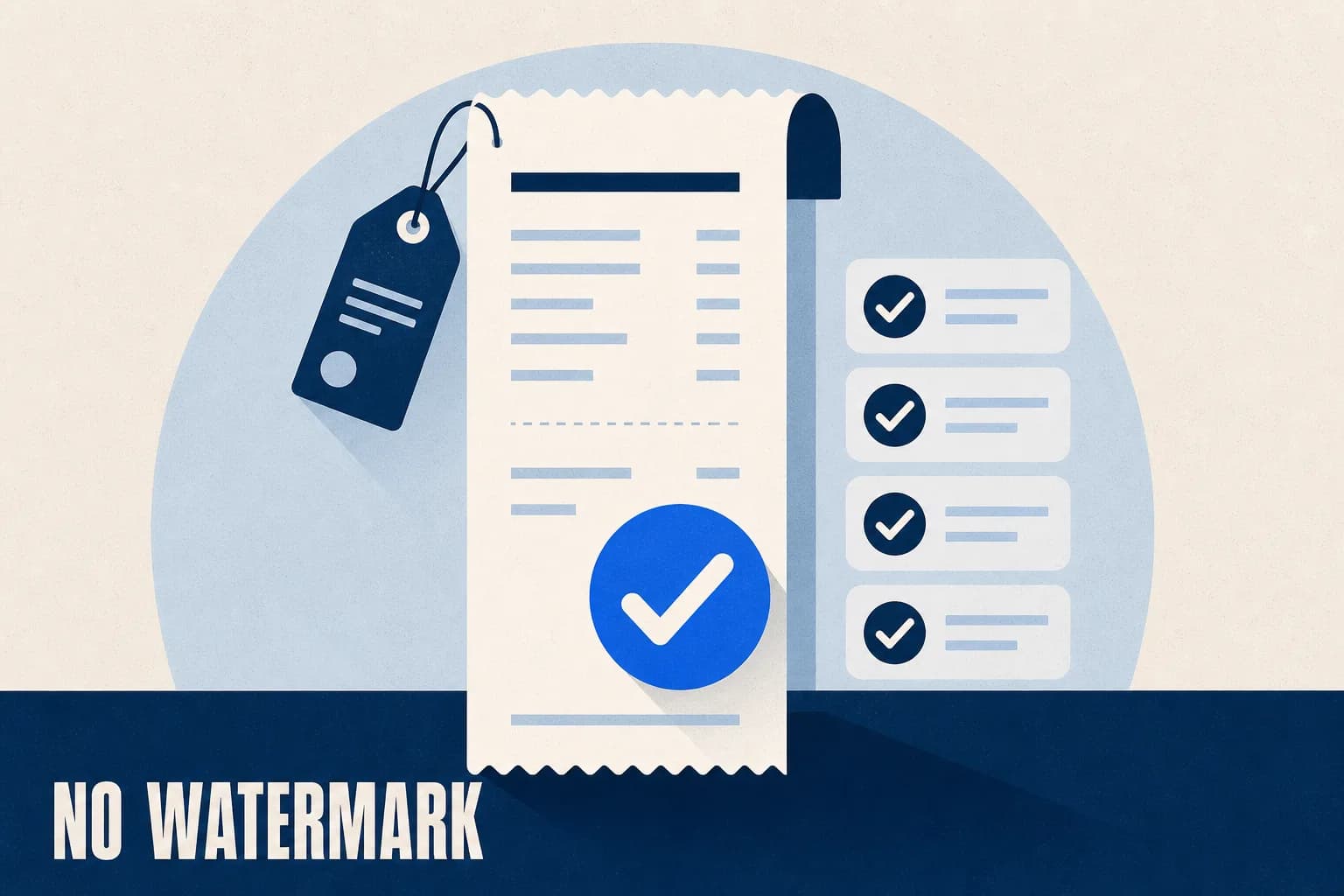
Receipts you generate here download clean. No watermark on the preview, no watermark on the PNG, JPG or PDF, and no paid tier for it to come off in — because there is no paid tier. That is not a promotional period or a trial. It is how the tool is built.
There is no asterisk on that. Not a promotional window, not a free tier sitting under a paid one, not a quota you cross before the mark appears. The receipt you see in the preview is the file that lands in your downloads folder.
The Comparison Table, Explained Row by Row
The table on our homepage compares this tool against the pattern the category follows rather than against named products. That is a deliberate choice. We have not tested every competitor over time, pricing and features change weekly, and a ranking written by a vendor who places itself first is worth nothing. What we can stand behind is the pattern, because it is nearly universal. Here is what each row means and why it matters.
| Row | The typical pattern | What we do, and why it matters |
|---|---|---|
| Watermark on a free download | Yes — removing it is the paid tier | None, ever. This is the row that decides whether "free" means anything. A watermarked receipt cannot be filed, sent, or printed. |
| Templates | A handful, often one generic slip restyled | 189 across 14 categories. A taxi receipt needs fare breakdown fields; a hotel folio needs nightly rate and occupancy tax. These are structurally different documents, not colour variants. |
| Preview | Re-render to see a change | Redraws as you type. It sounds cosmetic, but it changes how long a receipt takes to get right — you stop guessing and start adjusting. |
| Receipt fonts | One monospace stand-in | Eight receipt typefaces. Real thermal printers use specific faces; a generic monospace is the tell that gives away a reconstructed receipt at a glance. |
| Export formats | PNG only | PNG, JPG and print-ready PDF. PDF is the one that matters for anything going to a bookkeeper or a printer — see export fidelity. |
| Paper realism | Flat white rectangle | Thermal paper texture, three crumple finishes, editable ink colour. A receipt that has been in a pocket does not look like a flat white rectangle. |
| Come back and edit it later | Paid tier, if at all | Free account. Not a paywall — the download is already free without one. |
The row we would draw your attention to is the second one. Template counts are the most inflated number in this category, and "200+ templates" usually means one layout in two hundred colourways. The number worth asking about is how many formats exist for your trade. Ours are organised by trade for that reason — retail, restaurant, fuel, parking, pharmacy, rent and the rest — so the question is answerable rather than impressive-sounding.
Why It Is Free, Which Is a Fair Question
A tool with no paid tier invites the obvious question of what the catch is, and "there isn't one" is exactly what someone with a catch would say. So here is the actual reasoning.
The expensive part of a receipt generator is building the rendering engine and the template library. Once those exist, one more receipt costs a fraction of a cent to render. The marginal cost of being generous is close to zero, and the cost of the alternative — a watermark that makes the free tier useless — is that most people leave without ever seeing whether the output was any good.
We would rather be the tool people actually use. That is the whole strategy, and it is why the download is clean and the card details are never requested.
What You Actually Get
Concretely, without signing up for anything:
- 189 templates across 14 categories, organised by trade rather than by colour.
- Eight section types you can add, reorder and delete — header, date and time, items list, payment, two-column info, custom message, barcode and QR code.
- A live preview that redraws as you type, rendered by the same engine that produces the download.
- PNG, JPG and print-ready PDF export, all unwatermarked.
- Your own logo, uploaded and placed in the header — the file-preparation details are in how to add logos to custom receipts.
- Editable ink colour, currency symbol and price format, so non-dollar and non-US formats are not an afterthought.
- Thermal paper texture and three crumple finishes, for receipts that need to look handled rather than freshly rendered.
- Real barcodes and QR codes, generated rather than dropped in as images.
An account exists, and it does exactly one thing: it lets you reopen a saved receipt and edit it later. It does not unlock a format, remove a mark, or raise a limit.
Emailed HTML receipts — the kind a retailer sends to your inbox rather than hands you at the counter — are in development and not available yet. For now the tool produces files you download and send on yourself.
Where We Fall Short
Two of the nine criteria we score ourselves at half marks, and both are worth knowing before you commit time.
Sequential numbering is manual
The header takes a tax or VAT registration number and the items block prints subtotal, tax and total on separate lines, which covers most of what a bookkeeper looks for. But receipt numbers are free text — nothing auto-increments. If you are issuing receipts in a sequence, and in most of Europe you are legally required to, you are keeping that sequence yourself. That is a real gap, and it is the reason we score compliance fields at one out of two.
It is built around 58 mm
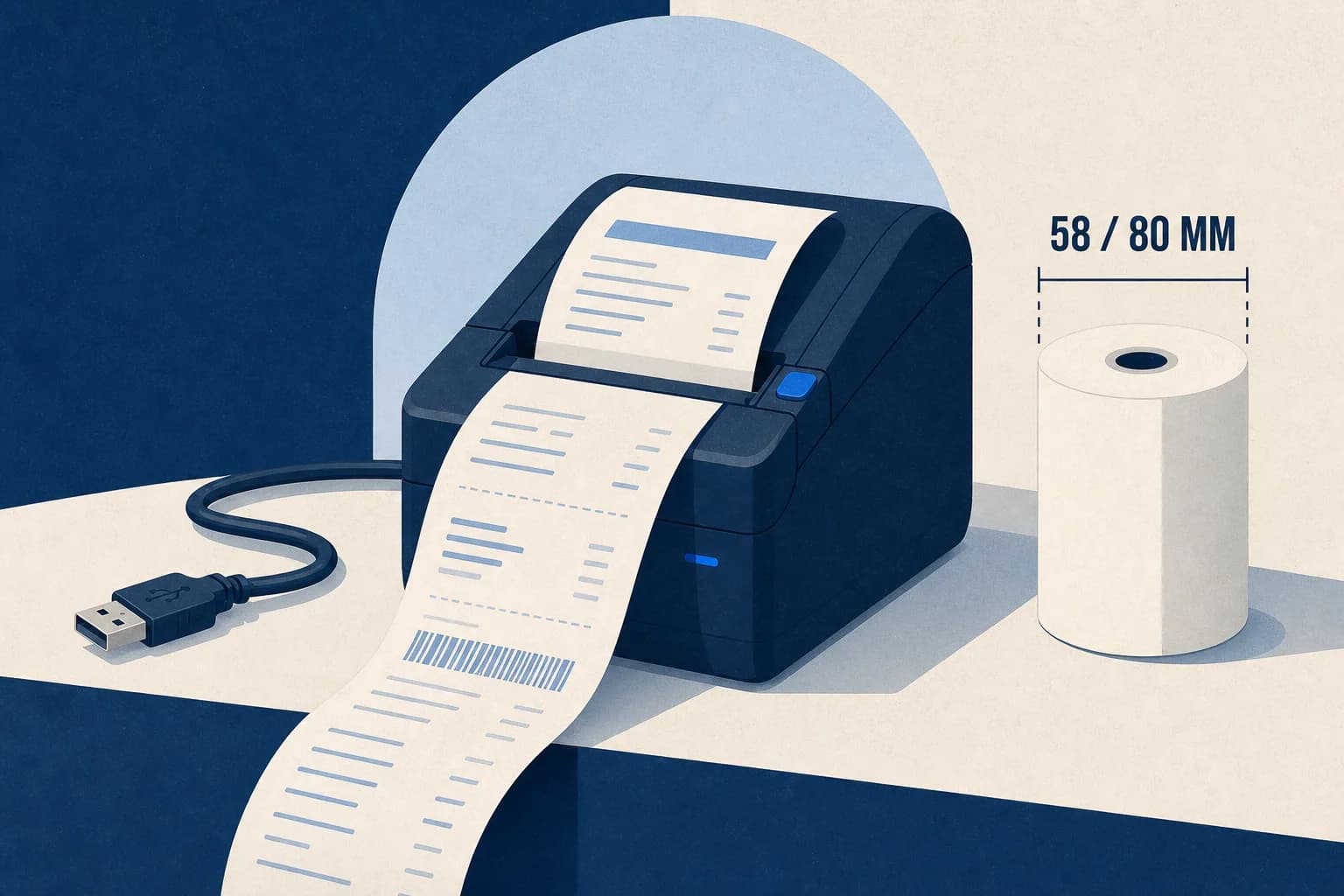
The renderer targets the 58 mm till width, which is what most desktop thermal printers take and what most receipts in the wild actually are. If you need 80 mm layouts or full A4 documents, this is not the right tool — the layouts will not reflow to fill them properly. The trade-offs between the widths are covered in our thermal printer setup guide.
When Not to Use This Tool
Worth saying plainly, because the wrong tool wastes more of your time than a missing feature does.
If you are processing more than a handful of sales a day, taking card payments in person, or tracking stock, you want a point-of-sale system — it produces receipts as a by-product of handling the sale. A generator documents transactions; it does not process them.
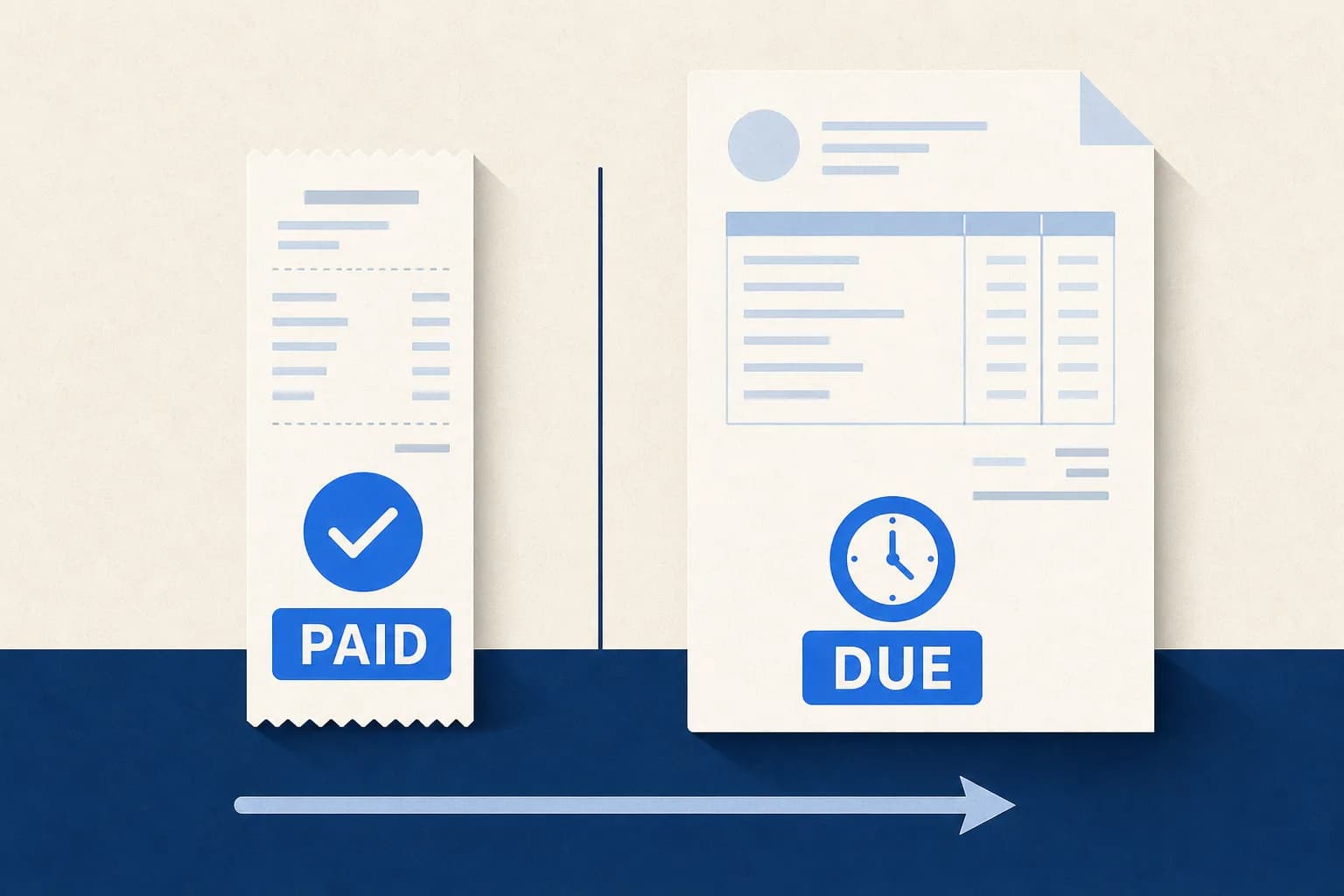
If you supply on credit terms and get paid later, you want invoicing software, not this. The difference between the two documents is not cosmetic, and sending the wrong one has real consequences — we set them out in receipt vs invoice.
This tool is the right fit for occasional receipts, cash payments, replacing documentation for a genuine transaction where the original was lost, and trades where paperwork is the exception rather than the transaction flow.
Verify It Yourself in Ten Minutes
Do not take any of the above on trust. Run the same six-step test we recommend for evaluating any receipt tool:
- Build one realistic receipt — your actual trade, two items at different tax rates, your real logo.
- Export it as a PDF and try to select the text. If you cannot, it is a flattened image.
- Zoom to 400%. Real text stays crisp; a rasterised receipt turns to mush.
- Check the tax block shows subtotal, tax and total as separate lines.
- Look for the watermark. There is nowhere for one to hide on a download.
- Print one copy on whatever you actually print on.
That takes about ten minutes and it will tell you more than any review, ours included. If a step fails for your use case, you have learned it before investing time rather than after — and if it fails somewhere we have claimed it should not, we would genuinely like to hear about it.
Conclusion
The honest summary: this is a free receipt generator with 189 trade-specific templates, a live preview, three export formats, and no watermark on anything you download — because there is no paid tier for one to come off in. It is strongest on export quality and template range, and weakest on sequential numbering and paper widths beyond 58 mm.
We think it is the best free option available, and we would say that regardless, which is exactly why we published the test rather than the verdict. Go build a receipt and check. It costs you ten minutes and no email address.